



Test results · MCP design tools
Here’s how they compared on design quality, features, and cost.
Visual design quality
Features & editing
AI usage & cost
Winners by category
Final recommendation
My workflow
Tested by Jad · AI Tooltip
How I tested
I designed Focusly, a gamified productivity app, with each tool. Every tool got the same prompt for the same five screens, running on the same AI model. All results are based on my own experiments.
Tools
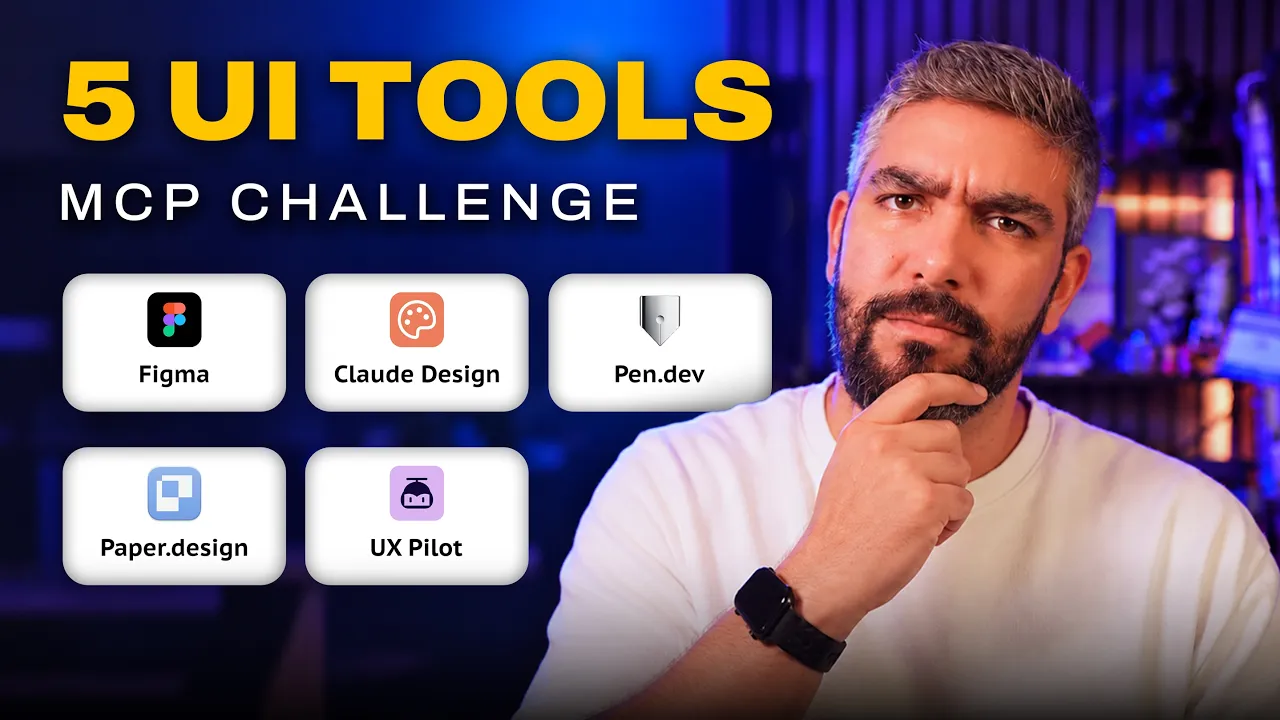
UX Pilot, Pen, Paper, Figma, and Claude Design
AI model
Claude Opus 5.5
Project
Focusly, a gamified productivity app
Method
Same prompt, same AI model, different tools
Results index
Jump to any category. Every score here is my own subjective rating from these experiments, not an automated benchmark.
01
Visual design quality
Claude Design scored 9.6/10, the highest in my tests.
02
Features & capabilities
UX Pilot leads UI/UX features. Figma leads editing.
03
AI usage & cost
Claude Design wins once subscriptions are counted.
04
My winners by category
My pick for each of nine categories.
05
My final recommendation
Which tool I’d choose for each job.
06
My preferred workflow
Claude → UX Pilot → Claude Design → Pen.
1
visual
5 tools, 5 screens each, 5 categories scored.
Scores by category
Category
Figma
Pen
Paper
UX Pilot
Claude Design
Illustration detail
8
6
8
6
10
Visual appeal
9
7
9
6
10
Creativity
8
6
8
5
10
Visual consistency
9
8
8
7
9
UX clarity
8
8
9
7
9
Overall score
8.4
7.0
8.4
6.2
9.6
These are my subjective quality scores out of 10.
Overall design score
01
Claude Design
My winner
9.6/10
02
Paper
8.4/10
02
Figma
8.4/10
04
Pen
7.0/10
05
UX Pilot
6.2/10
My winner
Claude Design
It produced my favorite overall design, with the strongest creativity, illustration detail, and visual appeal.
2
technical
What each tool can do beyond generating screens, and how far you can take the output with professional editing.
Capabilities
Capability
UX Pilot
Pen
Paper
Figma
Claude Design
Professional editing
No
Yes
Yes
Yes
No
Interactive on generation
No
No
No
No
Yes
Vector illustrations
Yes
Yes*
Yes
Yes
Yes
Code export
Yes
Yes
Yes
Partial
Yes
Design system support
Yes
Yes
Yes
Yes
Yes
UI/UX features
10/10
8/10
7/10
8/10
7/10
Additional subscription
Yes
No
No
Yes
No
*Pen initially generated raster images but successfully generated vectors when requested.
Manual editing
01
Figma
Winner
10/10
02
Pen
9/10
03
Paper
8/10
04
Claude Design
5/10
05
UX Pilot
5/10
Figma is the best for professional editing. Pen is the best AI-native editor because it uses reusable components, which puts it ahead of Paper. Claude Design and UX Pilot offer more basic editing tools.
UI/UX features
01
UX Pilot
Winner
10/10
02
Figma
8/10
02
Pen
8/10
04
Claude Design
7/10
04
Paper
7/10
UX Pilot offers the broadest set of dedicated AI UI/UX features, including wireframing, user flows, predictive heatmaps, design reviews, and iterations.
3
spending
I generated five screens with each method, then converted one screen into React and compared the Claude usage.
Claude usage · 5 screens + 1 React conversion
01
UX Pilot
$3.27
Generate 5 screens $0.69 · Convert 1 to React $2.58
02
Claude Design
$7.35
Generate 5 screens $3.45 · Convert 1 to React $3.90
03
Pen
$7.96
Generate 5 screens $2.79 · Convert 1 to React $5.17
04
Figma
$10.56
Generate 5 screens $4.43 · Convert 1 to React $6.13
05
Paper
$12.62
Generate 5 screens $5.68 · Convert 1 to React $6.94
Lower is better. These are reported Claude API-equivalent usage costs, not additional charges beyond my Claude subscription.
Additional subscriptions
Tool
Additional subscription
My free-tier experience
UX Pilot
Yes, $24/month
Used 80 credits generating five screens (within free trial limit)
Figma
Yes, $20/month
Reached the MCP limit after generating five screens
Pen
No
Generous free tier
Paper
No
Generous free tier
Claude Design
No
Included with Claude subscription
Pen and Paper still have free-tier usage limits, but they go beyond just trying the tool. They can be enough for professional use.
My findings
UX Pilot: Lowest Claude usage, but additional platform credits and subscription requirements.
Claude Design: Second-lowest total Claude usage, with an interactive prototype generated immediately.
Pen: Nearly identical total Claude usage to Claude Design.
Figma: Higher Claude usage, plus restrictive free MCP limits.
Paper: Highest Claude resource consumption in my tests.
My total cost winner
Claude Design
UX Pilot used the least Claude, but it needs its own credits and subscription. Claude Design came second on usage, needs no extra subscription, and gave me an interactive prototype immediately.
4
Winners
One pick per category, based on everything I saw in these tests.
Best overall visual design
Claude Design
Best creativity
Claude Design
Best illustrations
Claude Design
Most AI features
UX Pilot
Best professional editing
Figma
Best AI-native professional editor
Pen
Best prototype
Claude Design
Lowest cost
Claude Design
Best for an existing Figma workflow
Figma
My preferred combined workflow
UX Pilot + Claude Design + Pen
What stood out in my experiments
Claude Design
My favorite visual output, interactive generation, and competitive code implementation efficiency.
UX Pilot
Extensive dedicated AI UX/UI features, great for UX discovery, but less impressive visual detail.
Pen
The best AI-native editor because it uses reusable components, with advanced editing capabilities.
Paper
Cohesive visual output and professional editing, but the highest Claude usage in my experiments.
Figma
Excellent professional editing and strong design quality, but limited MCP usage on the free plan.
5
goals
There’s no single best tool. The right choice depends on what you need to do next.
If I want to…
I’d choose…
Generate the best-looking UI
Claude Design
Create an interactive prototype quickly
Claude Design
Analyze UX, generate user flows, and explore design iterations
UX Pilot
Professionally edit an AI-generated interface
Pen
Work within an existing professional design system
Figma
Combine AI generation with professional editing
Claude Design + Pen
6
UX/UI workflow
I brainstorm and shape ideas with Claude, run UX discovery in UX Pilot, design the UI with Claude Design, then edit it in Pen. UX Pilot has the broadest set of dedicated UI/UX features, Claude Design gave me the best visual quality, and an interactive prototype, and Pen adds professional editing.
Step 1
Step 2
Step 3
Step 4
Step 5